
Pocket Poker
Play-money Texas Hold'em from your Mac's menu bar.
- Free
- Play money only
- No accounts, ads or tracking
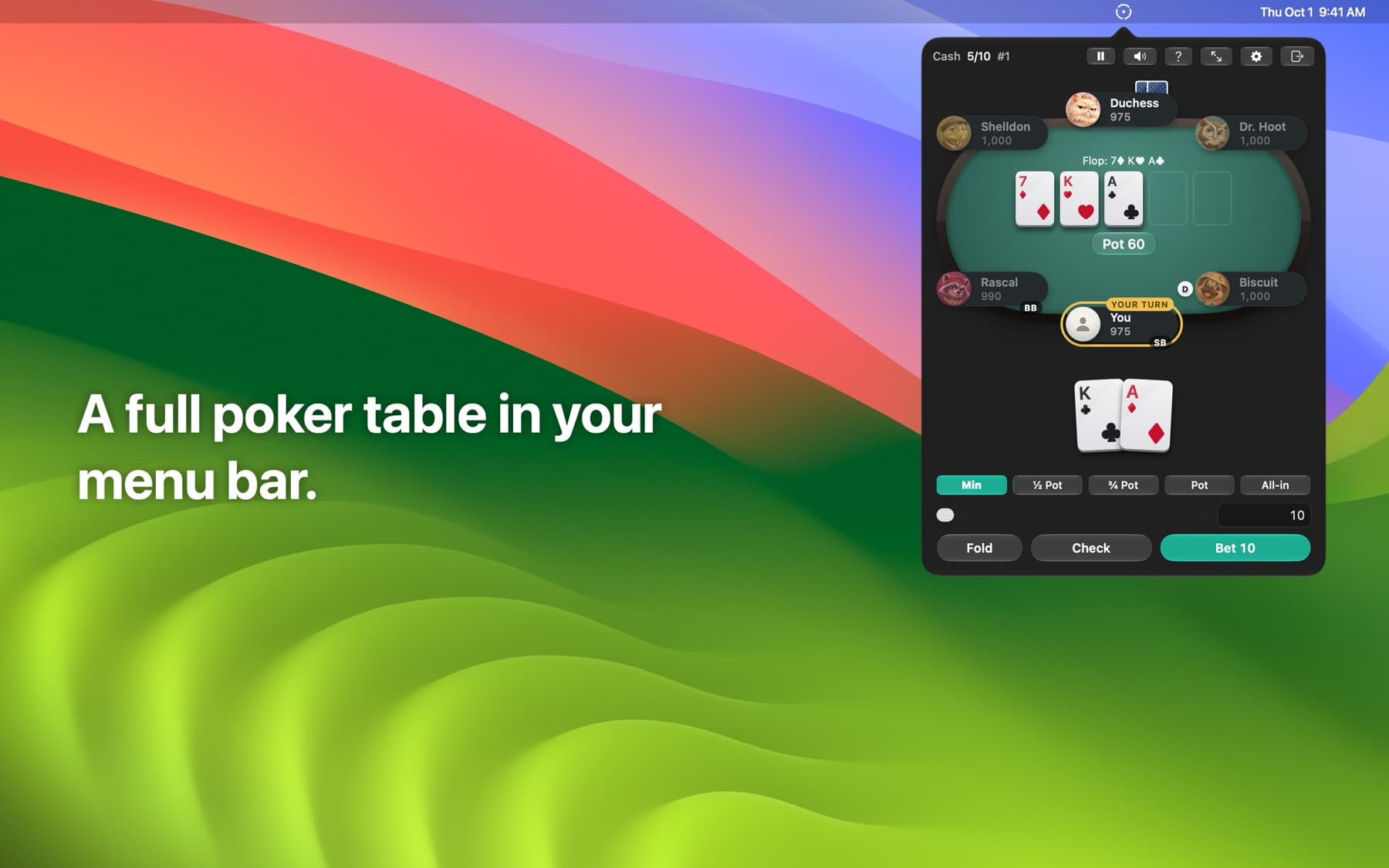
Click the chip in your menu bar and you're a couple of clicks from a hand against bots. Close it and the game pauses exactly where you left off.
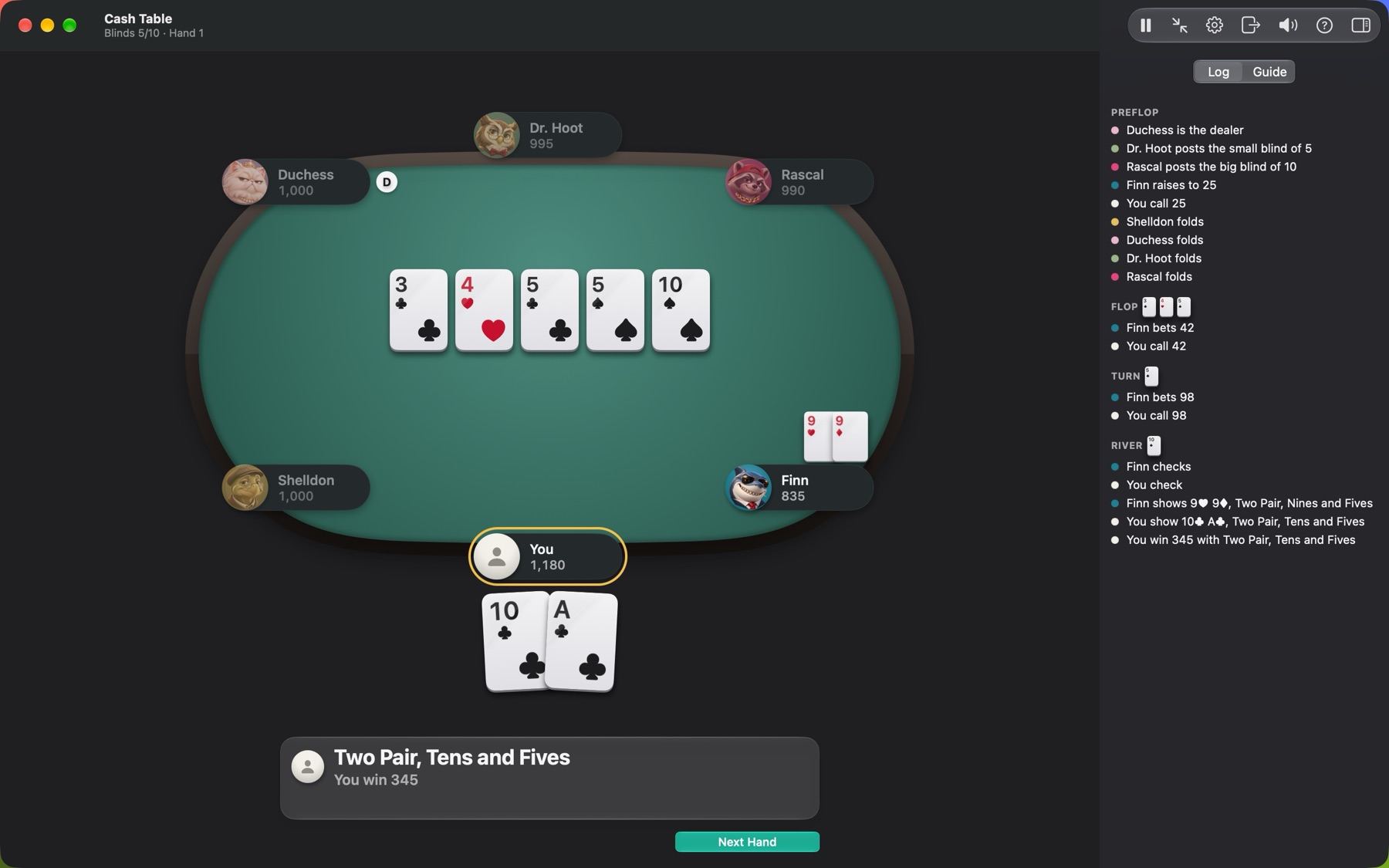
Screenshots
What it does
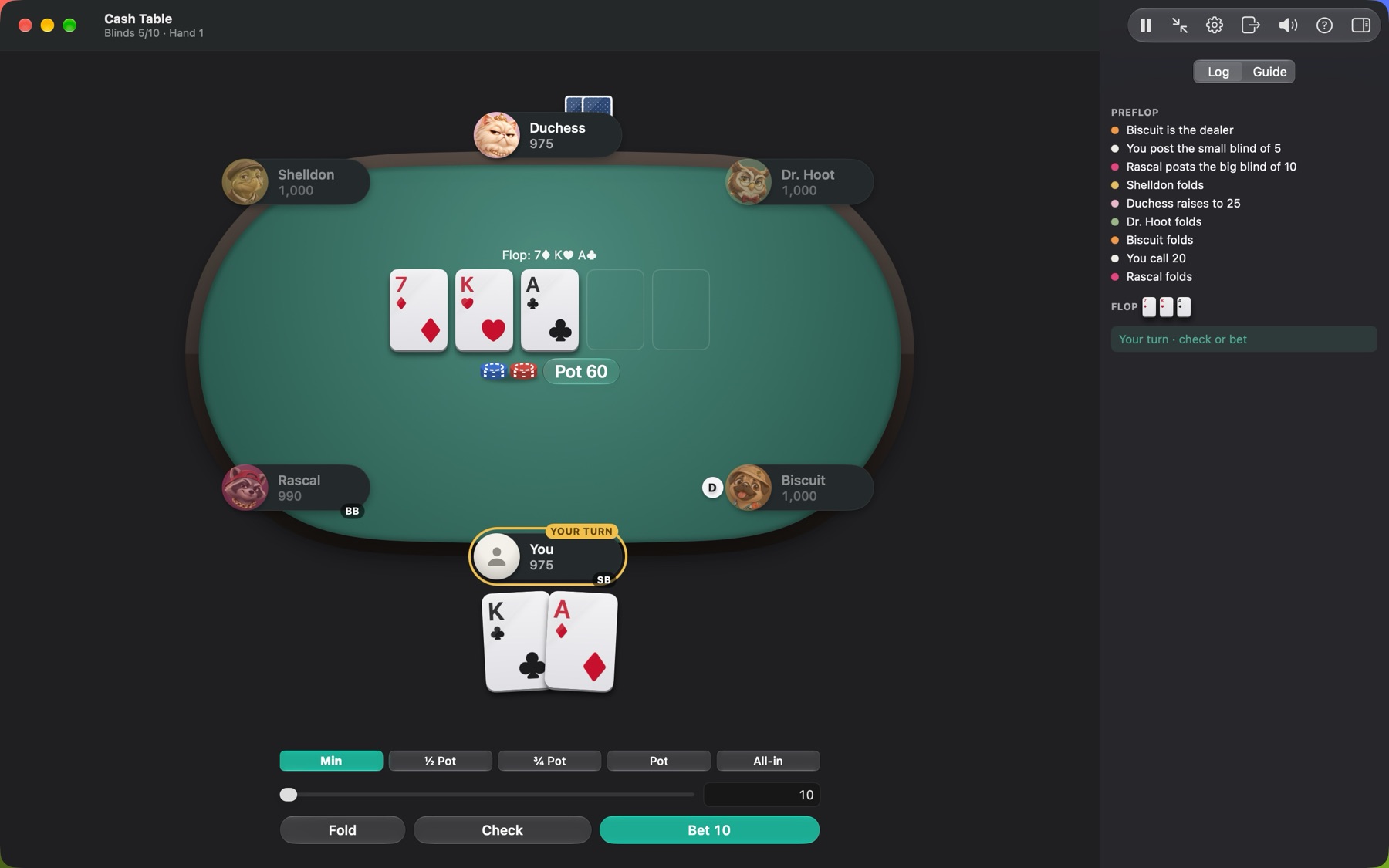
- Menu bar first. A popover for quick hands, and a full window when you want a bigger table. Same hand either way.
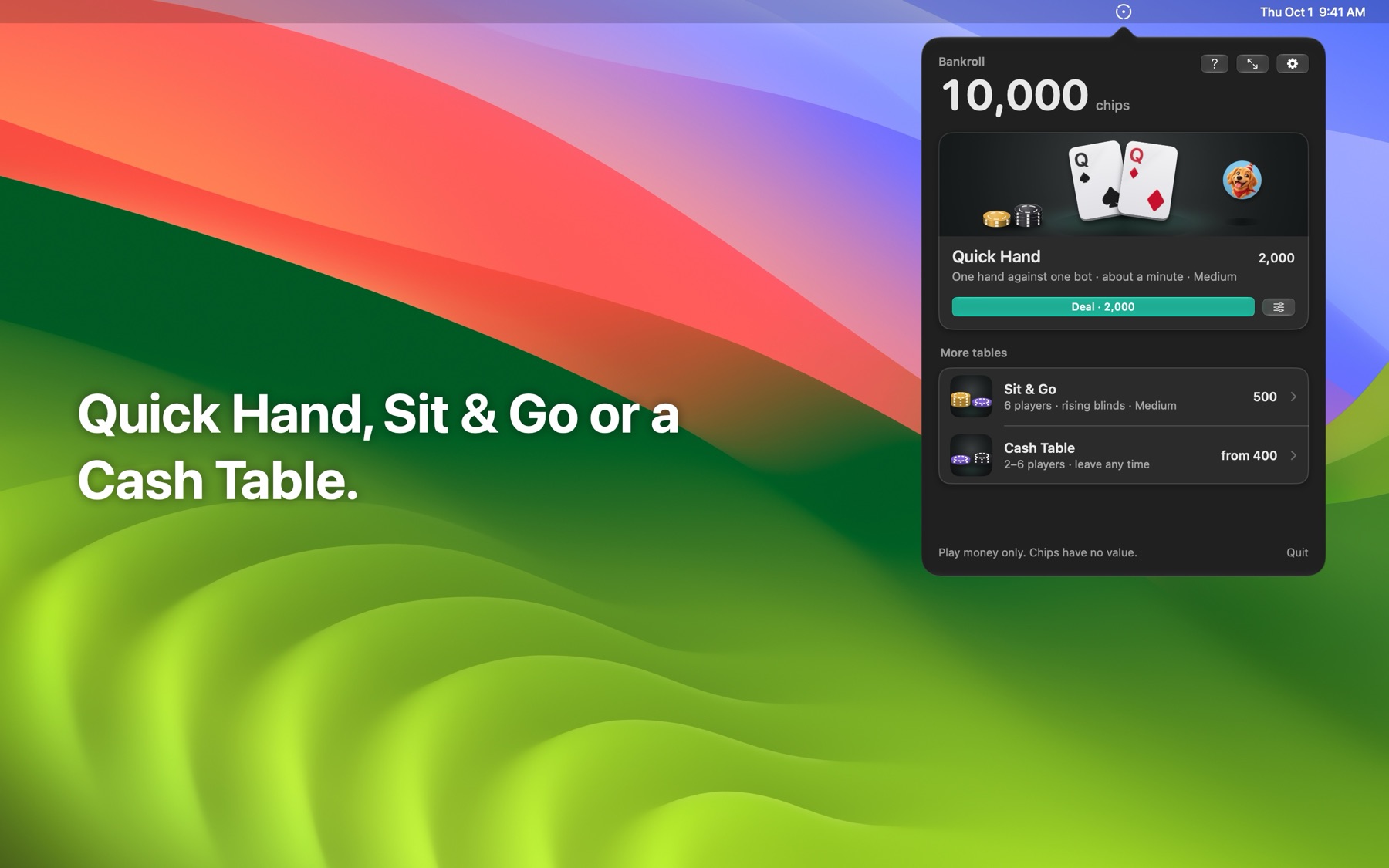
- Three ways to play. Quick Hand (heads-up, about a minute), Cash Table (2–6 seats, your stakes), and Sit & Go Turbo (6 players, rising blinds).
- Bots at three levels. Easy, Medium and Hard.
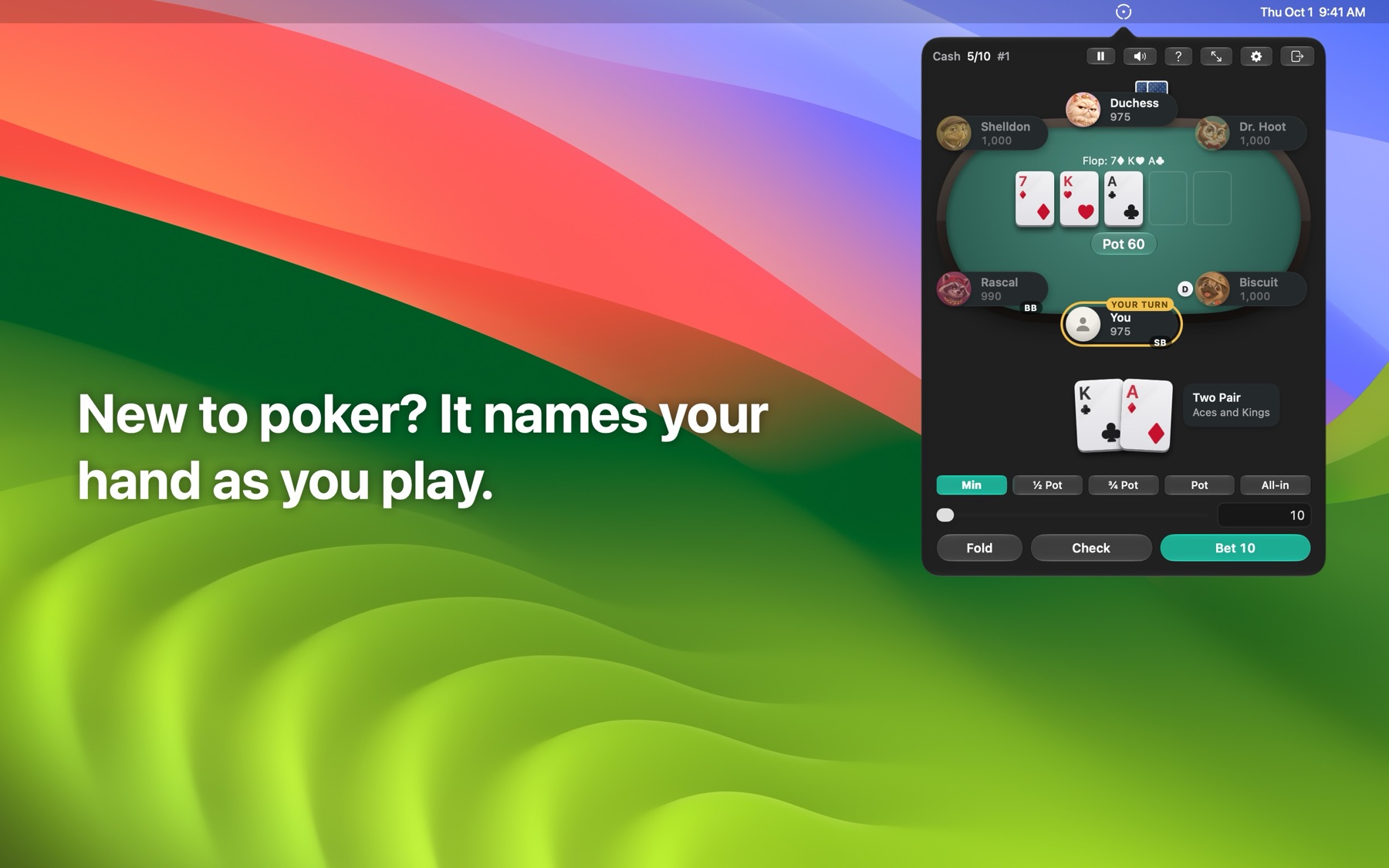
- Learn as you go. A free practice hand with step-by-step explanations, a poker basics guide, a glossary, and a Learning mode that explains each showdown.
- Picks up where you left off. Quit mid-hand and the exact game comes back.
- Keyboard-friendly. F, C/Space, R, 1–4 raise presets, Return, and P to pause, plus an optional global hotkey.
- Accessible. VoiceOver labels, Reduce Motion and Reduce Transparency support, light and dark.
Play money only: nothing to buy, no real-money gambling, no accounts, no ads, no tracking. The app contains no networking code; nothing leaves your Mac.
Install
- 1Open the DMG.
- 2Drag Pocket Poker onto Applications.
- 3Launch it. A chip appears in the menu bar.
Requirements
macOS 26 or later, Apple Silicon.
Known limitations
- Verified by hand on macOS 27 only (macOS 26 checks are pending).
- No automatic updates, so re-download new versions from this page.
- Rarely, the popover may close right after starting a game from Home.
Verify your download
SHA-256 of PocketPoker-1.0.0.dmg · released October 1, 2026
3bfeb473bccdc17d258bdcb084c3dfac49fdce329544b4b503cd5eff1c1e5b8dIn your Downloads folder, run shasum -a 256 PocketPoker-1.0.0.dmg and compare.